

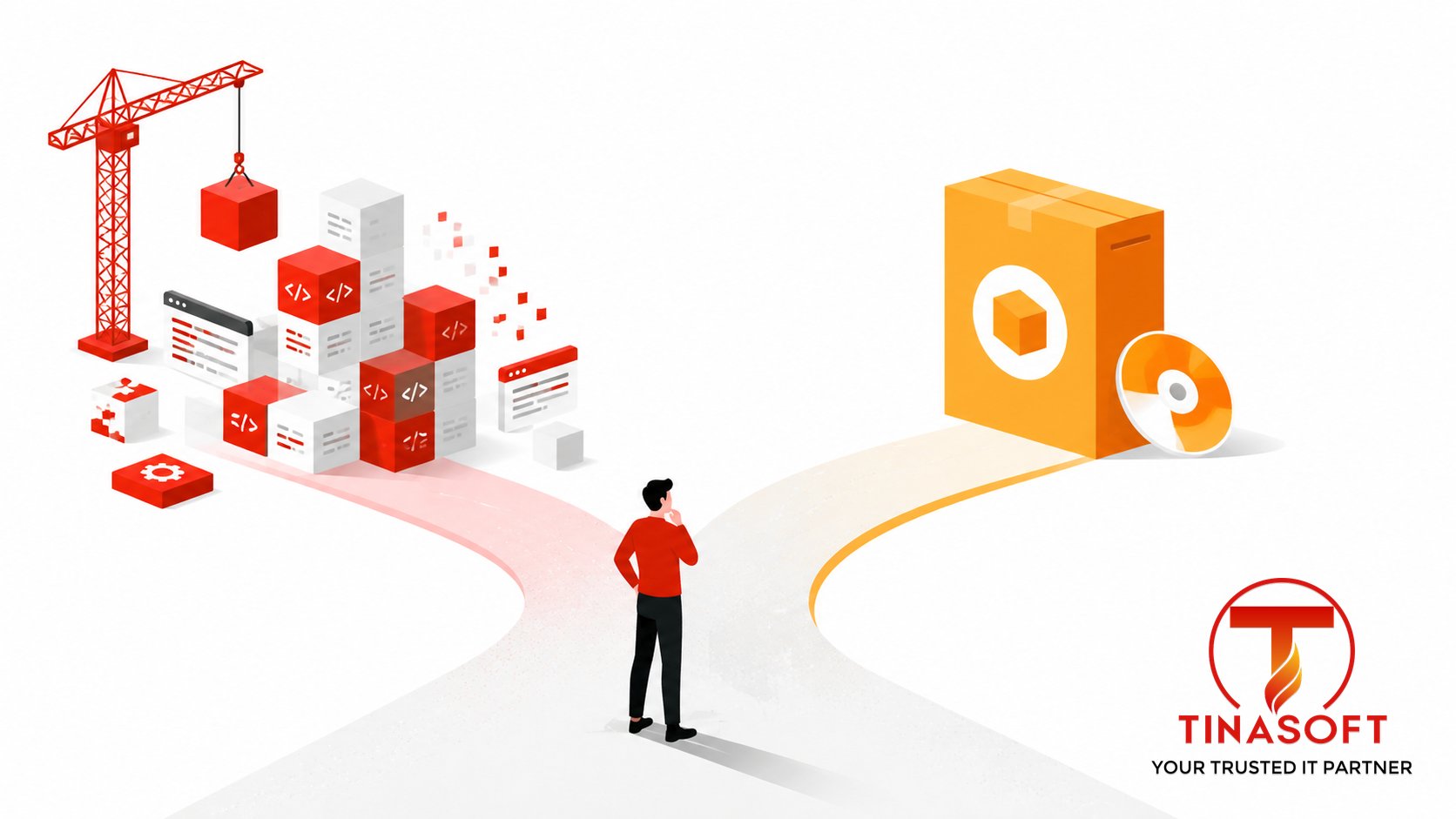
The build vs buy software decision looks like a cost question, but it’s really a control question: how much do you need this workflow to fit your business exactly, versus how fast do you need something working today? Off-the-shelf tools win on speed and price for standard processes. Custom-built software wins when your workflow is the thing that makes you competitive. This guide gives you a practical framework, real cost ranges, and the mistakes that make either choice more expensive than it should be.
Why “Build vs Buy” Is the Wrong First Question
Most build vs buy software debates start in the wrong place — comparing a SaaS subscription price to a developer day rate. That comparison is almost meaningless on its own. The real question is: does an off-the-shelf tool solve 80% of your problem well enough, or does the missing 20% define your competitive edge? A logistics company using a generic CRM to track leads is fine with 80%. A logistics company trying to route 200 vehicles with real-time constraints that no off-the-shelf tool models correctly needs the other 20% — and that gap is exactly where custom software earns its cost.
Confusing these two situations is the single biggest reason companies either overpay for custom development they didn’t need, or spend a year forcing a rigid SaaS tool to do something it was never built for.
Both mistakes are expensive, but they fail differently. Over-building wastes engineering budget on a solved problem and delays the launch of whatever actually needed that budget. Over-buying is quieter — it shows up eighteen months later as a workflow that’s technically “live” but constantly worked around, with a growing spreadsheet of manual patches sitting next to the tool that was supposed to remove them.
A Practical Framework: Buy, Customize, or Build?
Run your decision through these four questions before pricing anything:
| Question | Leans Buy | Leans Build |
|---|---|---|
| Is this workflow standard across your industry? | Yes — accounting, HR, ticketing, basic CRM | No — it’s specific to how you operate |
| Does this workflow differentiate you from competitors? | No — it’s table stakes | Yes — it’s part of your competitive edge |
| How fast do you need it running? | Days to weeks | Weeks to months is acceptable |
| Will your needs outgrow a generic tool within 12-18 months? | No — scope is stable | Yes — you already see the ceiling |
Most companies land somewhere in the middle: buy for the commodity functions, build for the 1-2 workflows that actually differentiate the business. Trying to build everything wastes engineering time on solved problems; trying to buy everything eventually locks you into someone else’s roadmap for the part of the business that matters most.
Build vs Buy by Business Function: Quick Reference
The right answer changes depending on which part of the business you’re looking at. Here’s how the framework typically plays out across common functions:
| Function | Usual Call | Why |
|---|---|---|
| Accounting, payroll, HR | Buy | Regulatory requirements are identical across companies; mature tools already handle edge cases you haven’t thought of |
| Customer support ticketing | Buy | Workflow is well understood industry-wide; switching cost is low if you outgrow it |
| CRM and sales pipeline | Buy, then customize | Core structure is standard, but pipeline stages and scoring logic often need light customization |
| Core product / customer-facing app | Build | This is usually the product itself — there’s no off-the-shelf version of your competitive advantage |
| Internal ops tools with unusual constraints (routing, scheduling, inventory logic) | Build | Generic tools model the 80% case; your 20% edge case is exactly where they break down |
| Reporting and analytics on standard metrics | Buy | Dashboards for common KPIs are a solved problem; building this from scratch rarely pays off |
Notice the pattern: functions that are identical across every company in your industry are almost always a “buy.” Functions that touch your actual product, or that have an operational constraint no generic tool anticipates, are where custom development earns its cost.
What Does Each Option Actually Cost?
| Option | Typical Cost | Hidden Costs to Watch |
|---|---|---|
| Off-the-shelf SaaS | $20 – $200+ per user/month | Per-seat pricing scales faster than expected; customization add-ons; data lock-in when you outgrow the tool |
| Custom software (outsourced, senior-led team) | $15,000 – $80,000+ depending on scope | Ongoing maintenance (~15-20% of build cost/year); the discipline to scope tightly instead of over-building |
| Custom software (in-house team) | $150,000+ per year in fully loaded senior engineer cost | 4-6 month hiring cycles; retention risk; you own 100% of maintenance forever |
The number founders and CTOs miss most often is maintenance. A custom tool doesn’t stop costing money once it ships — budget for ongoing updates, security patches, and support, whether that comes from an in-house team or an Offshore Development Center (ODC) that already knows your codebase.
4 Mistakes That Make the Wrong Choice More Expensive
- Buying a tool that almost fits, then paying consultants for years to bend it. If you’re spending more on customization and workarounds than the software itself, you’ve effectively built custom software — just with someone else’s constraints baked in.
- Building something that was never a differentiator. Custom-building your invoicing system when a $30/month tool does the job is engineering time your competitors are spending on their actual product.
- Underestimating maintenance when comparing costs. Comparing a one-time build cost to an ongoing subscription price isn’t a fair comparison — factor in 1-2 years of upkeep on the custom side.
- Choosing a build partner by hourly rate instead of total cost of delivery. A cheaper hourly rate with a junior-heavy team often costs more once you count rework and your own time reviewing output. See our 2026 software outsourcing rates guide for how to compare quotes properly.
How Tinasoft Helps You Decide — and Then Build
When a client comes to us with a build vs buy software question, the first conversation isn’t a quote — it’s scoping which parts of the workflow are commodity and which parts are genuinely custom. We’ve run this assessment across 300+ projects for around 100 clients globally, and it routinely saves clients from building features that a $50/month tool already handles well.
When custom development is the right call, we staff projects with 70%+ senior engineers and use AI-augmented workflows that measurably lift delivery velocity by 35-50%. A recent example: a Singapore logistics company evaluated generic fleet-management SaaS tools first, found none could handle their real-time routing constraints, and had a custom fleet app for 200+ vehicles built and in production in 6 weeks through our web and app development service. Every engagement starts with an NDA and IP assignment, and payment is tied to milestones, not just hours logged.
If the honest answer to your build vs buy software question turns out to be “keep the SaaS tool, but wire it into a custom workflow layer,” that’s a valid outcome too — we scope integrations and thin custom layers around existing tools just as often as we scope full builds. The goal of the first conversation is an accurate recommendation, not a bigger project.
Signals It’s Time to Revisit the Decision
Build vs buy software isn’t a one-time decision made at launch — the right answer shifts as the company grows. A few signals worth watching:
- Your team maintains a growing list of manual workarounds around a SaaS tool just to make it fit how you actually operate. That list is a running tally of what custom software would remove.
- Per-seat SaaS costs are climbing faster than headcount. If a tool’s pricing model punishes growth, run the numbers on what a custom build would cost over the same 2-3 year horizon.
- A competitor ships a feature your SaaS vendor won’t build. When you’re waiting on someone else’s product roadmap for something core to your business, that’s a build signal.
- You built something custom that a mature SaaS tool now handles well. Markets move — a workflow that needed custom code five years ago might be a commodity today, and maintaining custom code for a solved problem is pure overhead.
FAQ: Build vs Buy Software
How do I know if I should build or buy software?
Ask whether the workflow is standard across your industry (buy) or part of what makes you competitive (build). Most companies should buy for commodity functions and build only for the 1-2 workflows that truly differentiate them.
Is custom software always more expensive than SaaS?
Not necessarily. SaaS pricing scales per seat and can exceed custom software’s total cost of ownership once you factor in years of subscriptions, especially at scale. Custom software has a higher upfront cost but no per-seat markup.
How much does custom software development cost in 2026?
Outsourced custom builds typically run $15,000-$80,000+ depending on scope, versus $150,000+ per year for an in-house senior engineer. See our outsourcing rates guide for a full breakdown.
Can I switch from buy to build later if I outgrow a SaaS tool?
Yes, and it’s common. Many companies start on SaaS to move fast, then migrate the specific workflow that’s become a bottleneck to custom software once the ceiling is clear — while keeping SaaS for everything else.
Does Tinasoft help evaluate whether to build or buy, not just build?
Yes. Our discovery phase includes an honest assessment of whether an off-the-shelf tool already solves your problem before we scope any custom build.
The build vs buy software decision isn’t about picking a side once — it’s a workflow-by-workflow judgment call, and getting it wrong in either direction is expensive. See our transparent 2026 pricing →
Market context: IT Outsourcing — Statista Market Outlook.